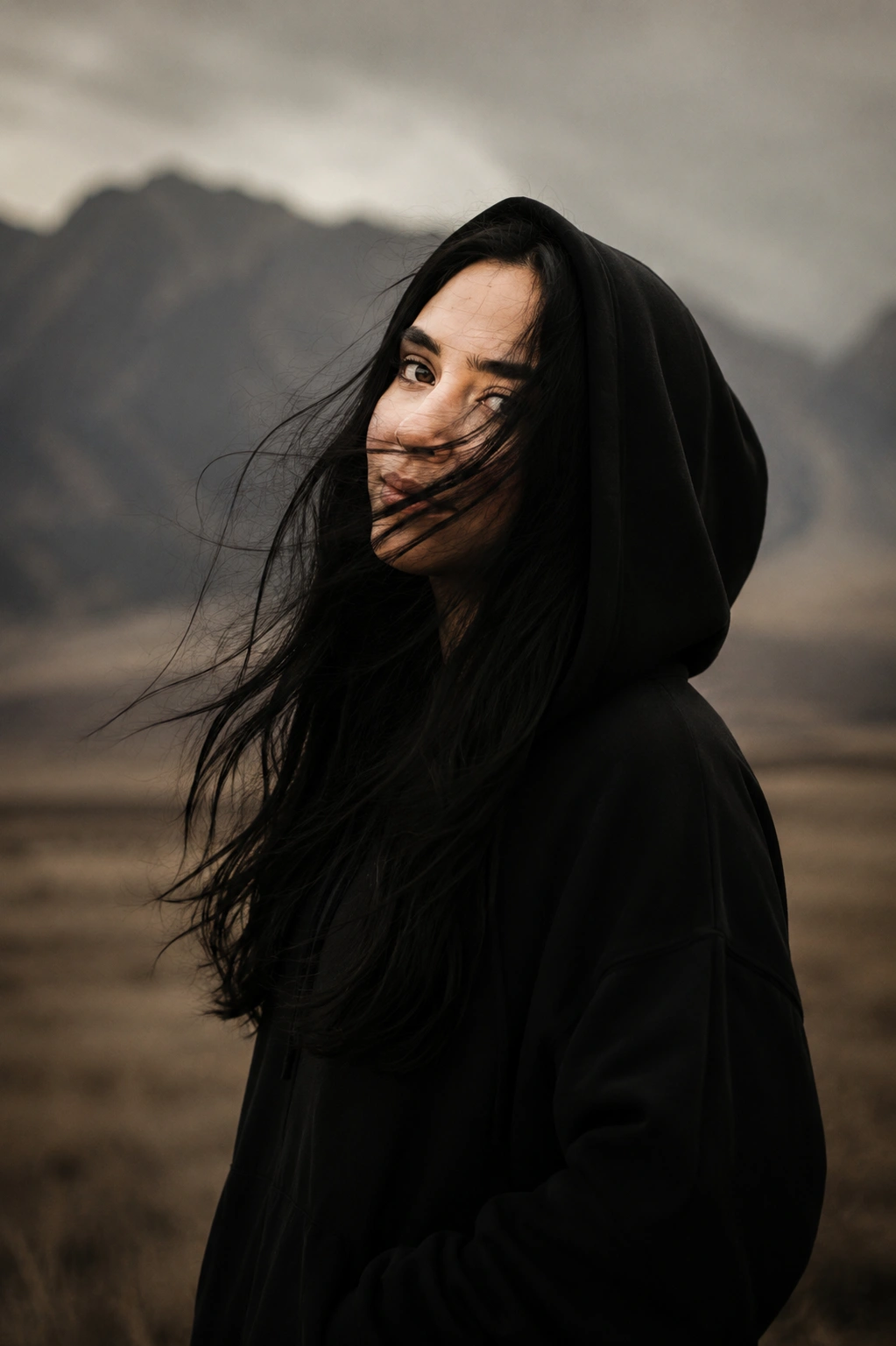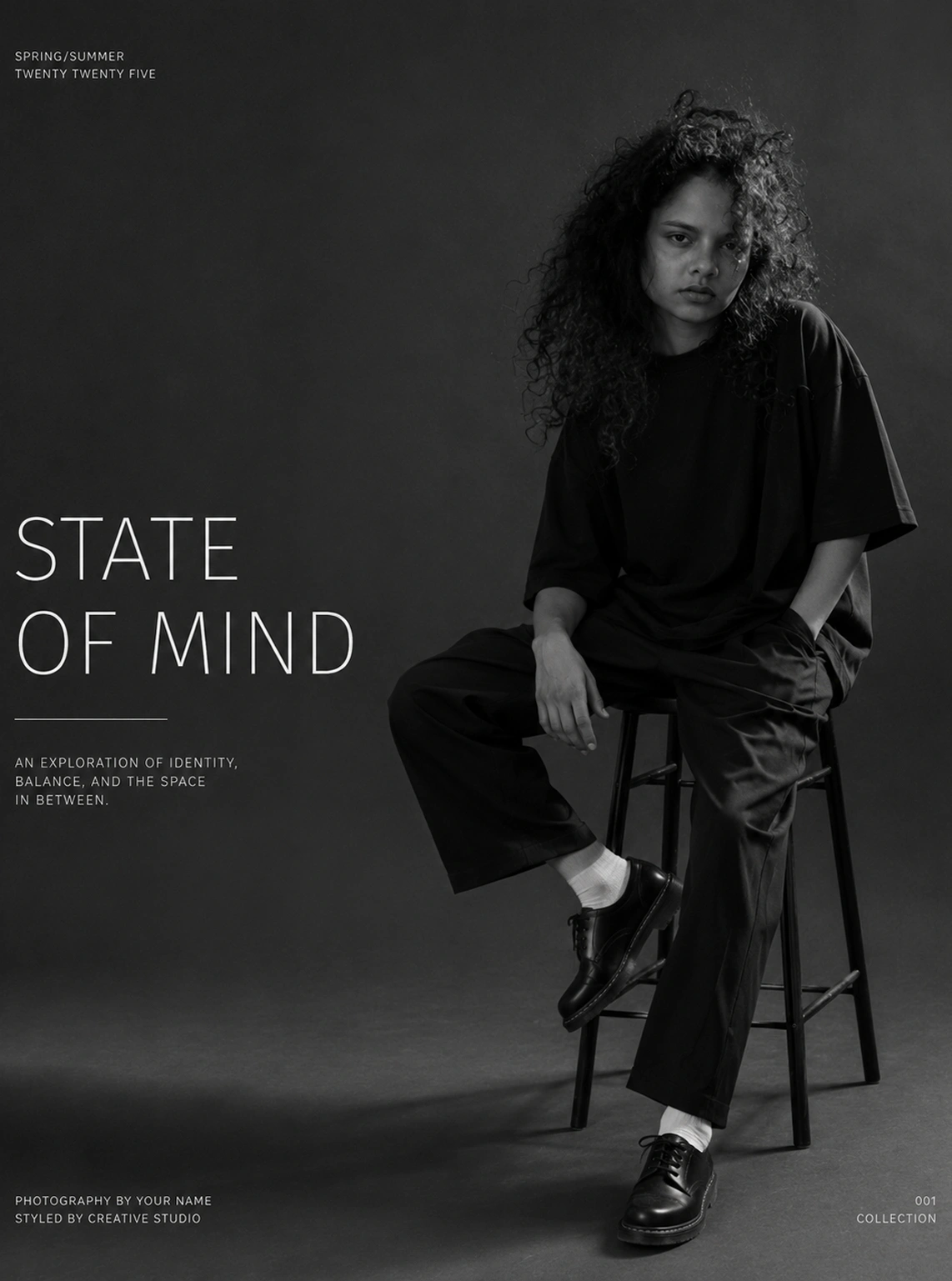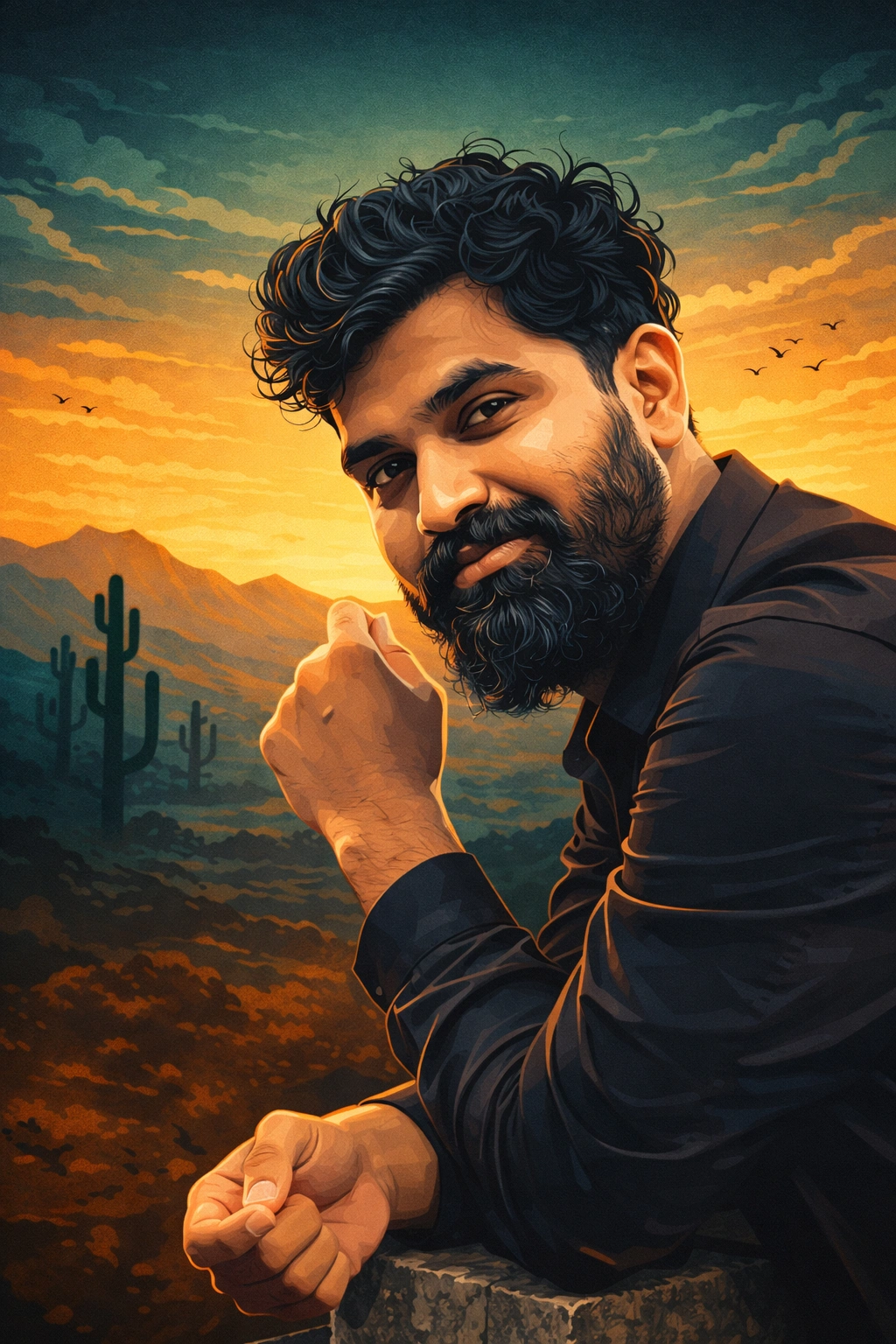
Cinematic Vector Illustration Poster
Convert portraits into high-detail cinematic vector posters with bold shading, teal-orange grading, and dramatic digital art style.
Transform the provided image into a high-detail cinematic vector illustration poster in the style of modern digital art (similar to premium TV show posters).
Preserve the subject’s exact facial identity, structure, expression, and pose, but convert it into a clean, stylized vector illustration.
Style details:
Bold vector shading with sharp edges and smooth gradients
Use cell-shading + semi-realistic illustration style
Skin should have clean color blocks with subtle highlights and shadows
Add defined facial lines, wrinkles, and contours for a dramatic look
Lighting:
Strong cinematic side lighting
High contrast with dramatic shadows and highlights
Background:
Replace background with a stylized desert landscape
Include mountains, cactus silhouettes, and a low sunset
Use gradient sky (teal/green/orange tones) with soft clouds
Add minimal birds or abstract shapes for depth
Color grading:
Use a teal + orange cinematic palette
Slightly desaturated but rich tones
Outfit:
Keep original clothing but simplify into illustrated folds and shapes
Add subtle highlights for a polished look
Composition:
Portrait framing (chest-up)
Subject slightly angled, looking sideways for a heroic/dramatic feel
Style keywords:
vector art, cinematic poster, breaking bad style, digital illustration, adobe illustrator style, sharp edges, clean shading, high contrast, graphic novel style
Quality:
ultra detailed, 8k, crisp edges, smooth gradients, professional poster design